Has this not been added for the new forum platform or is it just not displaying in my browser? I use Firefox on my phone and pc. I've lowered my screen brightness for now but it's still bright enough that it hurts my eyes to look at.
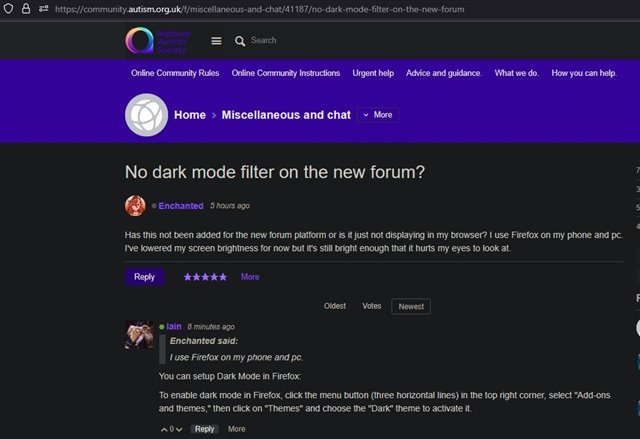
I use Firefox on my phone and pc.
You can setup Dark Mode in Firefox:
To enable dark mode in Firefox, click the menu button (three horizontal lines) in the top right corner, select "Add-ons and themes," then click on "Themes" and choose the "Dark" theme to activate it.
I use Firefox on my phone and pc.
You can setup Dark Mode in Firefox:
To enable dark mode in Firefox, click the menu button (three horizontal lines) in the top right corner, select "Add-ons and themes," then click on "Themes" and choose the "Dark" theme to activate it.
There is an extension in Firefox called Dark Reader which seems free to install (I think it does ask for a donation for development like most free apps) - I haven't done much more research into it bit it does seem to work well here: