To do this you need a picture you want to use as your avatar - it should be ideally in JPG format and only few hundred Kb in size at most.
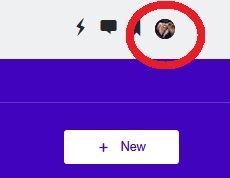
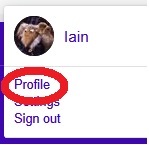
Once you have this saved on your computer or phone, click on your profile picture on the top right of the screen and select PROFILE (I've used mine to illustrate this process)
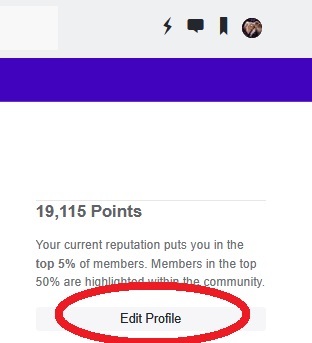
One the right of the screen, click on Edit Profile:
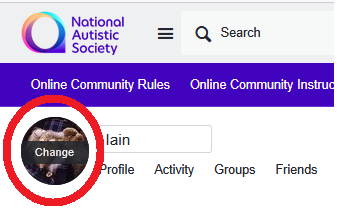
Click on the circle with your current profile picture (where it says CHANGE):
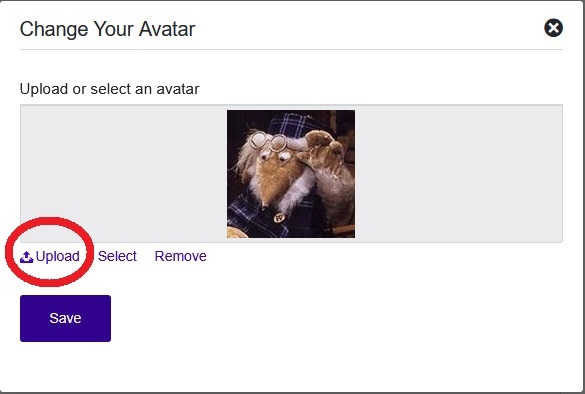
Click on UPLOAD to locate the new picture then click on SAVE to update it here:
You click on the circle with the current "photo" on the top, then on the profile tab it's gonna have a button saying something like "edit profile" and you can pick a new one there